Virtual learning with personal feedback
Our three-week virtual courses help students with limited to no experience in Tessitura obtain the foundational knowledge, hands-on experience, and practical skills to become valued Tessitura users for their organizations.
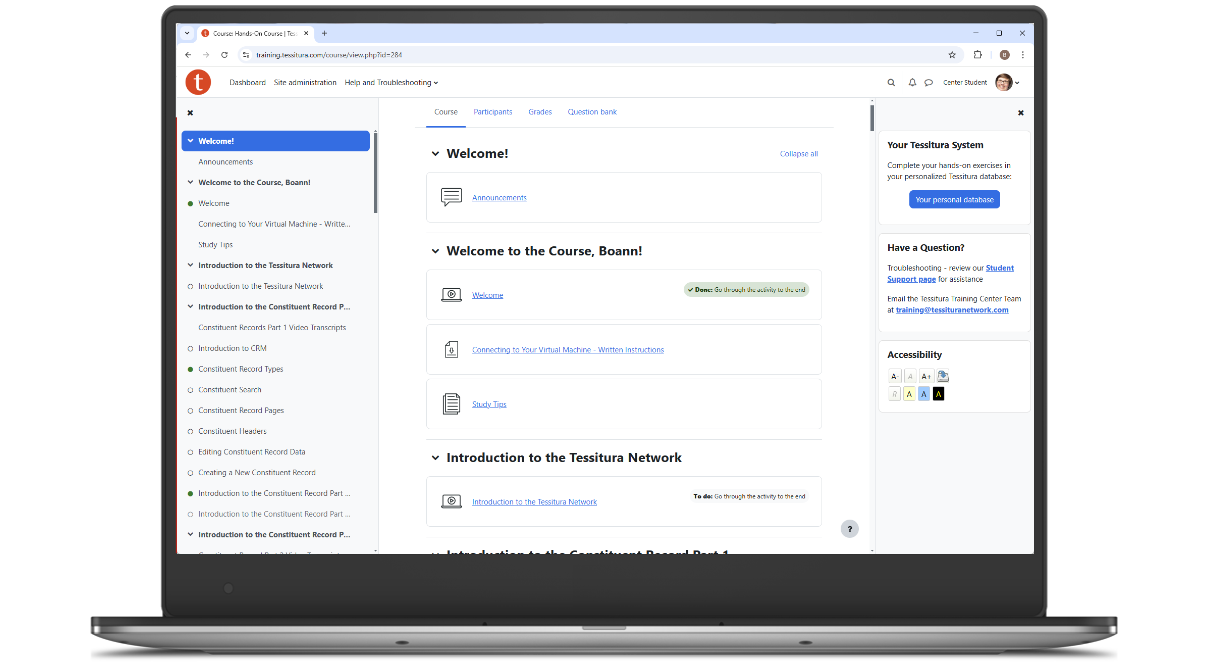

30 hours of self-paced online training
Flexible schedule with 24/7 access—great for learners in any time zone
Overview of terminology and structures
Video lessons reinforced with quizzes and hands-on exercises
Access to a personal training database for practice
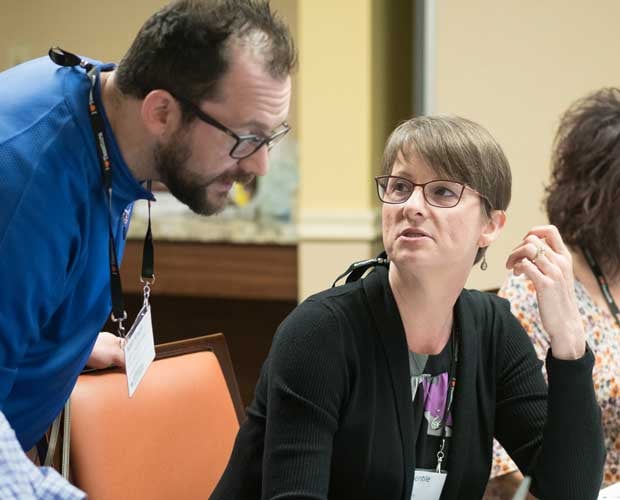
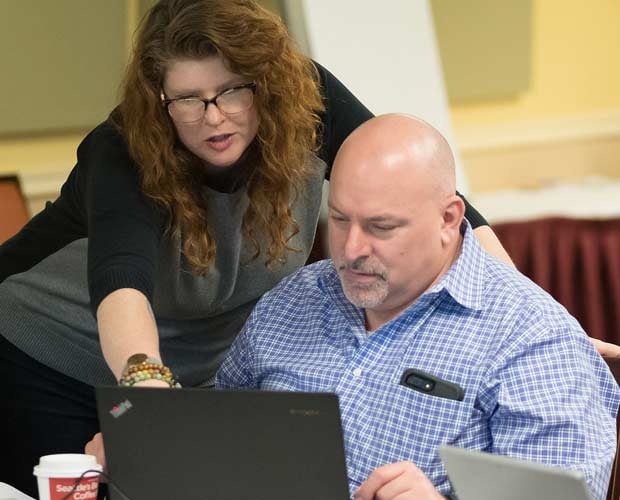
Personal feedback from expert Tessitura instructors
Tools to track progress and skills
Certificate of completion for each level
Details & dates
- Topics: Choose from Fundraising, Memberships, or Ticketing (see the expanding sections below for content details)
- Price: $298 USD per person, per course
- Schedule: Courses are offered February–November, starting on the first Monday of each month
- Duration: Each course runs for three weeks, with an optional one-week extension if needed
- Registration closes: On the Friday ten days before the course start date, or when sold out (specific close dates are listed on the registration forms)
- Capacity: Each course is limited to 10–20 participants per month
Register for a course
If you are a member, please log in below to register. If you’re not currently employed by a Tessitura organization, please complete the form below to find out how to register for one of our paid monthly training courses.
Open a dropdown below to view details about the course content.
This course takes place in version 16. (If your organization uses version 15, taking this course is a good way to prepare for your v16 upgrade.)
Two levels of content
- Level 1: All students learn fundraising concepts, front-end processing, constituent management, and reporting
- Level 2: After completing Level 1, students can continue on to analytics, moves management, communications, and configuration
- Certificates: Earn a completion certificate for Level 1 only, or certificates for both Level 1 and Level 2
Fundraising concepts and terminology
- Fundraising structures and terms in Tessitura
- Apply fundraising functionality to different business models
Fundraising transactions for end users
- Detailed understanding of how to process contributions paid in full or in installments
- Apply purpose and time restrictions to contributions
- Credit and acknowledge donors
Constituent management
- Find, create, and update constituent records
- Learn how to locate and understand a donor’s engagement and transactional data
- Account management operations
Reporting and analytics
- Key reports for fundraisers
- Key dashboards and widgets for fundraisers
Moves management
- Use plans and steps to track progress towards specific goals
- Create and manage plans and steps in bulk
Fundraising communications
- Create lists and segmentation sets
- Output donor information
Fundraising configuration
- Understand how campaigns, funds, and membership organizations work together in contribution processing and reporting
- Create and manage campaigns, funds, appeals, sources, and acknowledgements
- Create and manage fundraising events
This course takes place in version 16. (If your organization uses version 15, taking this course is a good way to prepare for your v16 upgrade.)
Two levels of content
- Level 1: All students learn membership concepts, front-end processing, constituent management, benefit fulfillment, and reporting
- Level 2: After completing Level 1, students can continue on to analytics, communications, and configuration
- Certificates: Earn a completion certificate for Level 1 only, or certificates for both Level 1 and Level 2
Membership concepts and examples
- Membership structures and cycles
- Apply memberships to different business models
Membership transactions for end users
- Detailed understanding of how to sell transactional memberships and enter philanthropic memberships
- Apply discounts and payments
- Upgrade and renew memberships
Constituent management
- Find, create, and update constituent records
- Learn how to locate and understand a member’s engagement and transactional data
- Account management operations
Benefits
- Administer and fulfill membership benefits
- Redeem membership benefits in ticket orders
- Offer comp benefits and other adjustments
Reporting and analytics
- Key reports for memberships and other operations
- Understand membership dashboard reporting
Membership communications
- Create lists and segmentation sets
- Generate membership renewals and other membership communications
- Output membership details
Membership configuration
- Set up key structures including membership level benefits
- Understand how campaigns, funds, and membership organizations work together in membership processing and reporting
- Configure membership discounts
This course takes place in version 16. (If your organization uses version 15, taking this course is a good way to prepare for your v16 upgrade.)
Two levels of content
- Level 1: All students learn ticketing concepts, basic transaction processing, constituent management, and advanced transaction processing
- Level 2: After completing Level 1, students can continue on to reporting, analytics, inventory management, configuration, and communications
- Certificates: Earn a completion certificate for Level 1 only, or certificates for both Level 1 and Level 2
Ticketing concepts
- Ticketing products in Tessitura
- How tickets are priced
Ticket transactions for end users
- Detailed understanding of how to sell tickets for general admission and reserved seat events
- Work with ticket discounts and promotions
- Process ticket returns and exchanges
- Sell packages
Constituent management
- Find, create, and update constituent records
- Locate and understand a customer’s engagement and transactional data
- Account management operations
Advanced customer service
- Customer-focused ticket troubleshooting
- Prepare for customers in the venue
Reporting and analytics
- Key reports for ticketing and other operations
- Understand season sales dashboard reporting
Inventory management
- Adjust when and where events are on sale
- Create and edit pricing grids, price events, and pricing rules
- Adjust event inventory with hold codes and allocations
Ticketing configuration
- Set up key structures including performances, packages, and fees
- Understand how configuration settings affect product searches and reporting
Ticketing communications
- Create lists and output sets
- Work with HTML templates for transactional emails

“The Tessitura instructors were GREAT teachers. I told them this is by far the best systems training class I’ve ever taken.”



Questions? Comments?
We'd love to chat with you about how the Tessitura Training Center can support your organization. Please get in touch with any questions about our Hands-On Courses.


